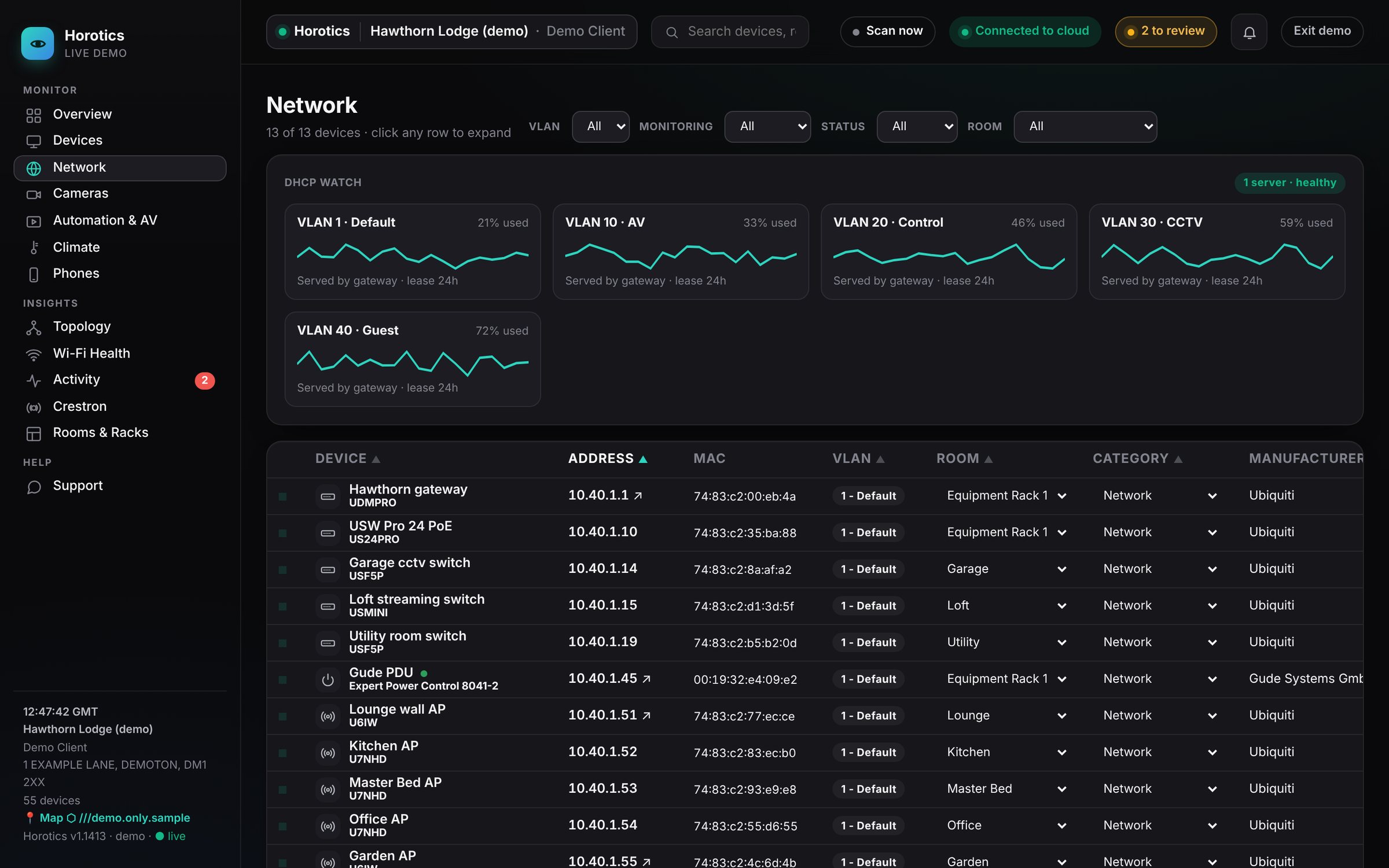
The Network group: the same table as Devices, showing only your network equipment.
Your network is the plumbing that connects everything. This is the same table as Devices, narrowed to your network equipment: the gateway, switches, Wi-Fi points, storage and power.
In plain terms
Gateway (router)
Your front door to the internet, usually the address ending .1.
Switch
A box full of network sockets that your TVs, speakers, cameras and Wi-Fi points plug into. Larger homes have several.
Port
One socket on a switch. Some ports also send power (PoE) to cameras and Wi-Fi points, so they need no separate plug.
Access point (AP)
What actually broadcasts your Wi-Fi. Most homes have more than one.
VLAN
A separate "lane" on the same network, used to keep cameras, AV and guests apart for speed and security.
Why it matters
If a whole group of things goes quiet at once, it's usually one switch or one cable, not twenty separate faults. Horotics knows how everything is wired (see Topology), so it points at the real cause instead of flooding you with alarms.
Still stuck? Your installer can see the same screens as you and can sort most things remotely. You can also email support@horotics.com.