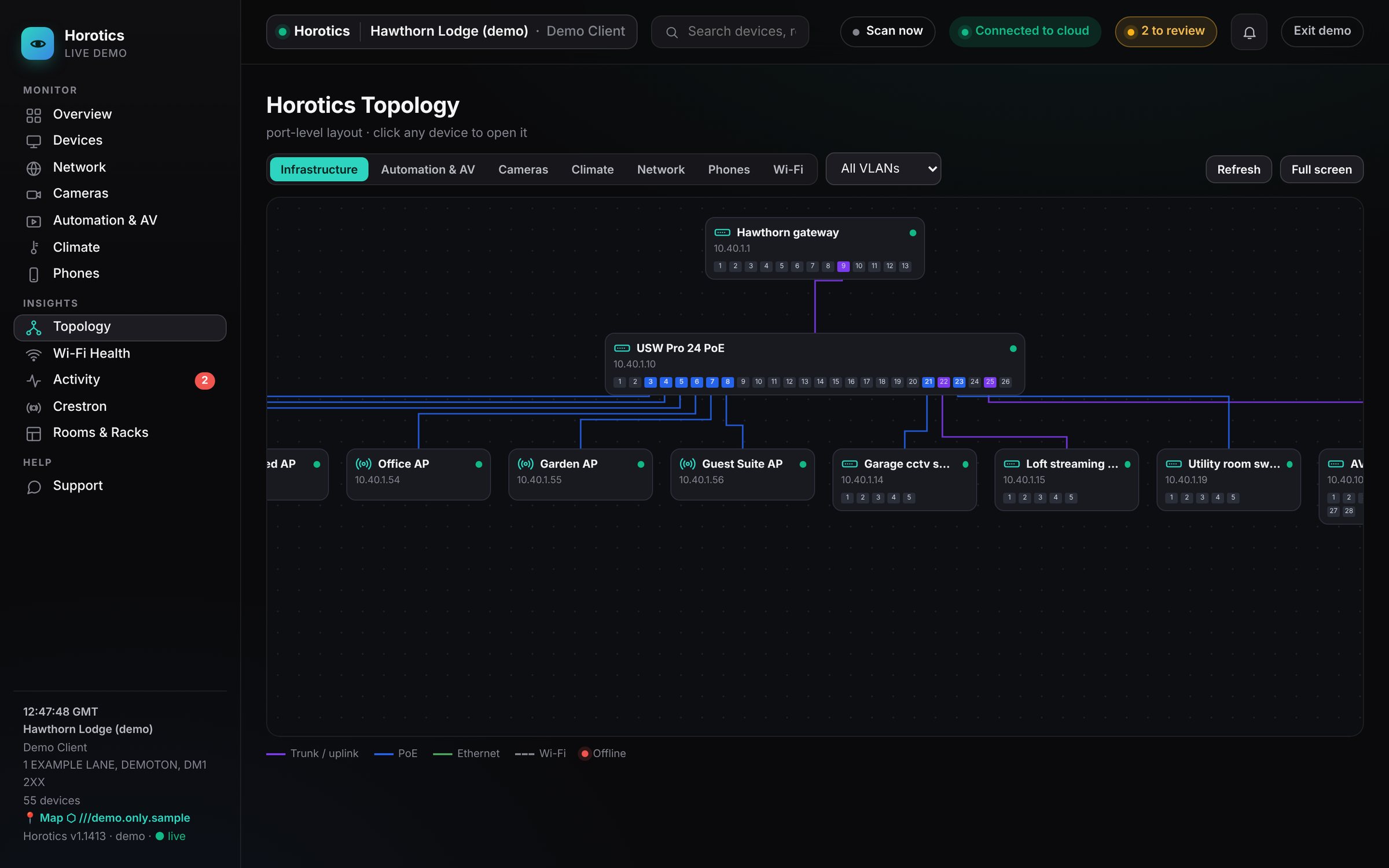
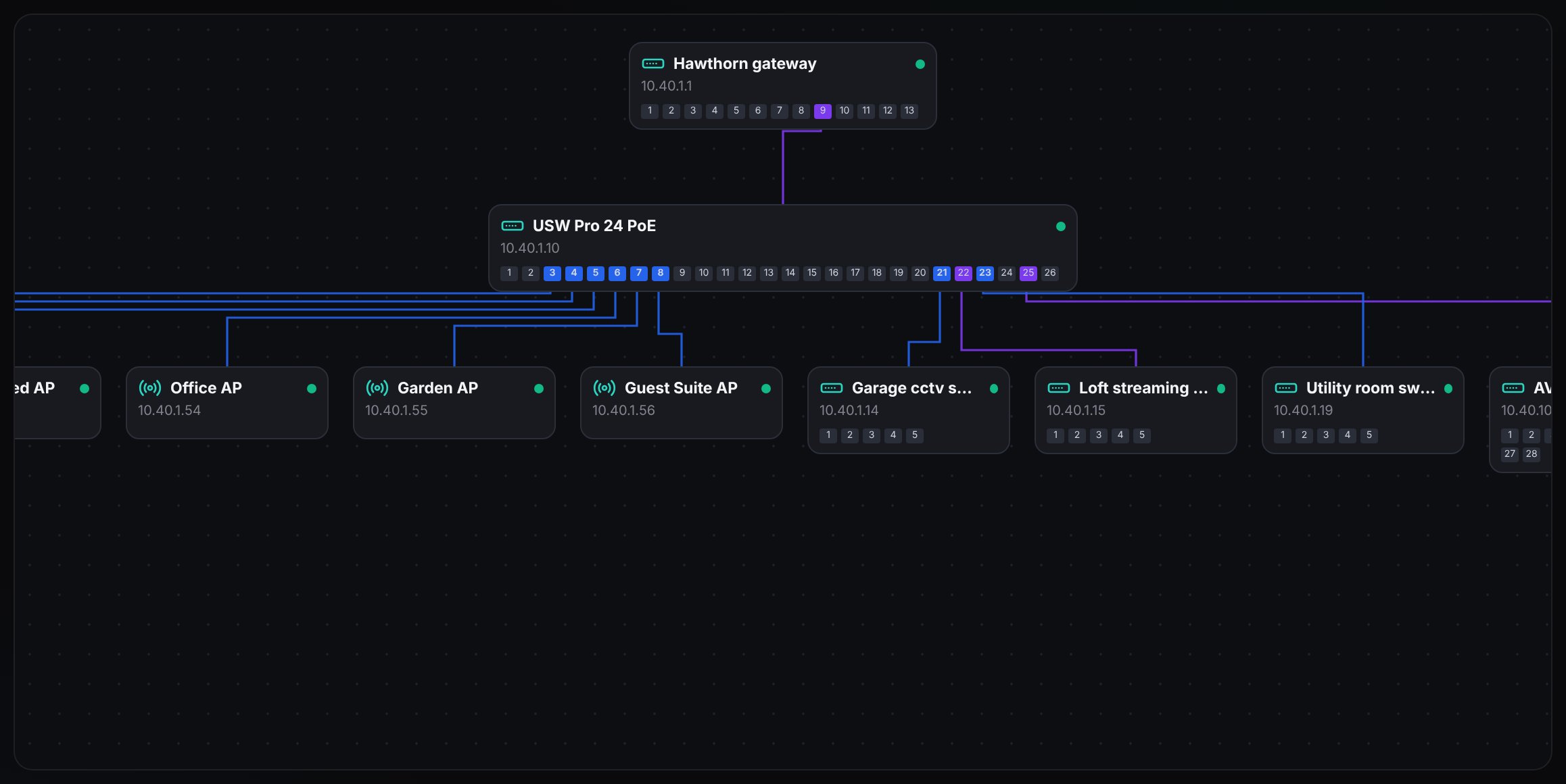
The Topology map: the gateway at the top, switches beneath it showing their real ports, and everything else below. Filter chips run across the top.
The Topology map is the family tree of your system: what's plugged into what, drawn automatically by the box.
Using it
The filter chips, VLAN selector, Refresh and Full screen.
Filter chips
Infrastructure shows just the backbone. Automation & AV, Cameras, Climate, Network and Phones add that group. Wi-Fi shows wireless devices.
VLAN selector
Highlights the ports carrying one network lane and dims the rest.
Refresh and Full screen
Redraw the map, or give it the whole screen.
Click any device
Opens its page.
Reading it
The map: gateway at the top, switches with their real ports, Wi-Fi points below.
Each card is a device; the small numbered squares are its ports.
The legend shows what each colour and line means: trunk/uplink ports (the ones linking switches), PoE ports, Ethernet (solid lines), Wi-Fi (dashed lines) and offline in red.
The legend along the bottom of the map.
Why it's useful
Because Horotics knows the wiring, it understands cause and effect. If a switch loses power, everything beneath it goes quiet too, but instead of twenty alarms you get one: the switch that actually failed.
Still stuck? Your installer can see the same screens as you and can sort most things remotely. You can also email support@horotics.com.